Spark
Free
Forever
To try the app and start feeling the difference.
Download Creatyk free- Orbit level: the safe tweaks you can already feel
- Gaming check and the Orbit route of the Expedition
- Cleanup, startup apps and the app installer
Pick a level and Creatyk stages the Windows 10 and 11 tweaks your PC needs for gaming. Nothing is applied until you approve it.
212 tweaks, and every change undoes in one click
YOUR PC · WINDOWS 11
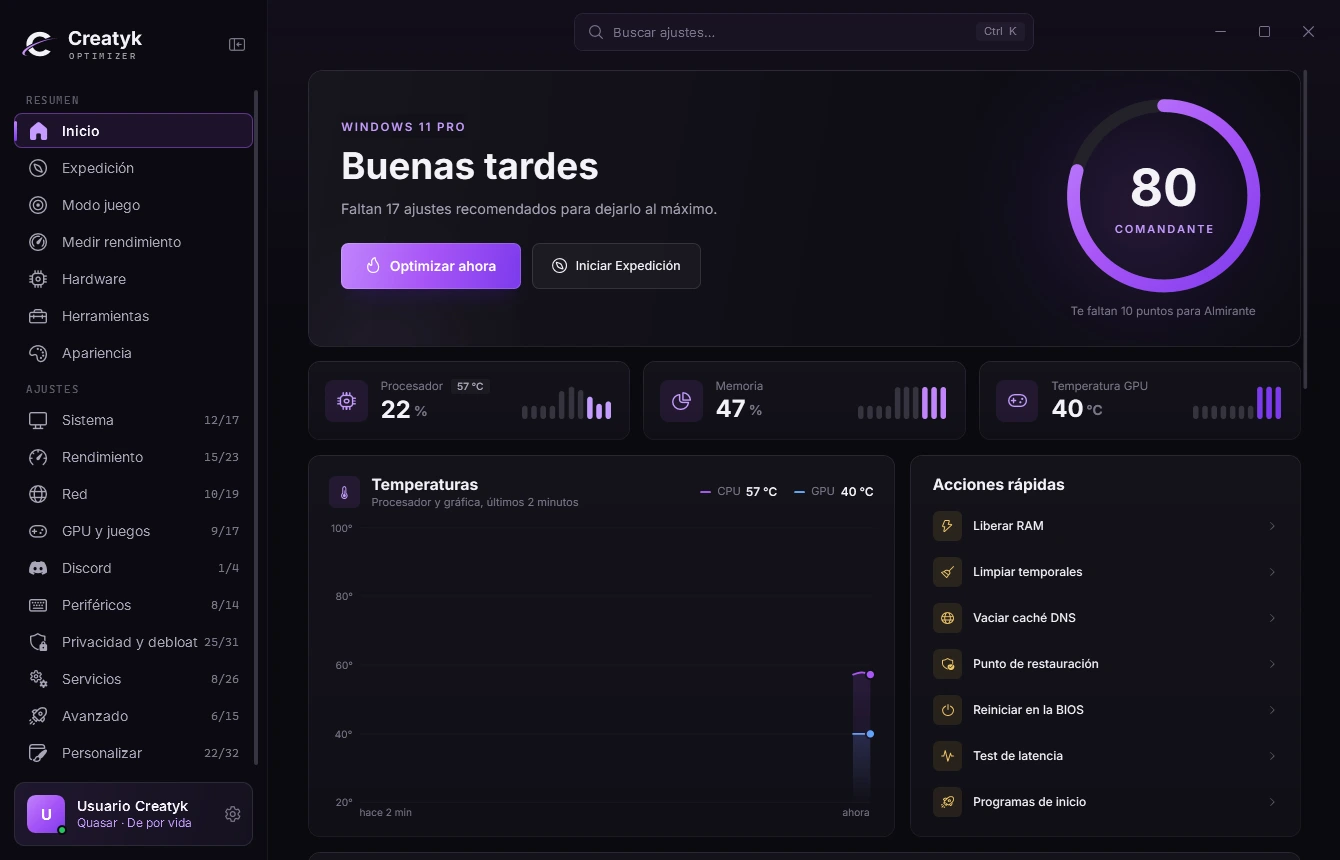
Good afternoon
Pick a level: the tweaks get staged and you decide whether to apply them.
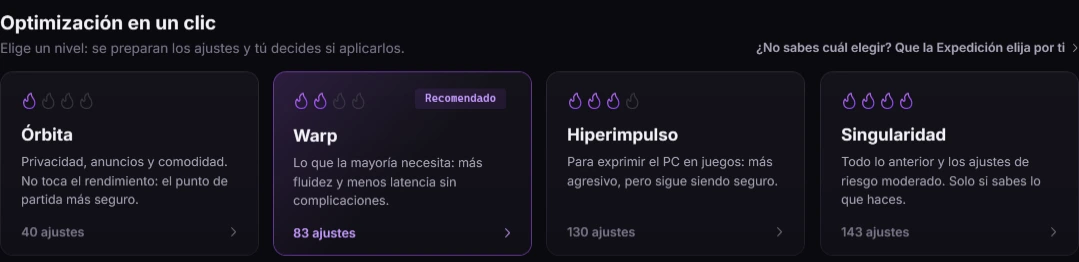
Optimization in one click
Out of the box it runs background downloads, the Xbox Game Bar, a power plan that parks cores and telemetry nobody asked for. Guides online fix it blindly, and then there is no way back.
Creatyk does it in levels. Each tweak tells you what it changes and its risk, and the History keeps the value it had before.
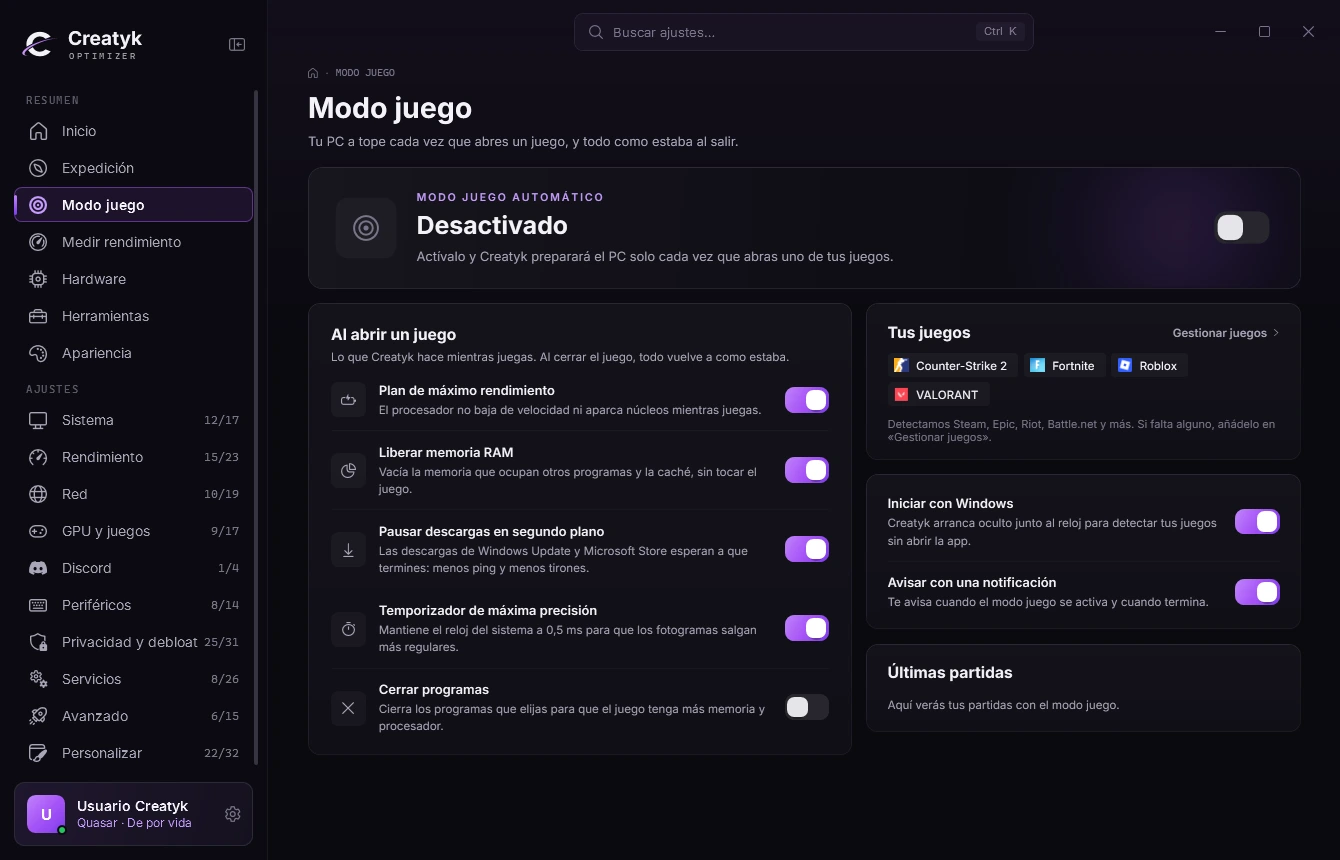
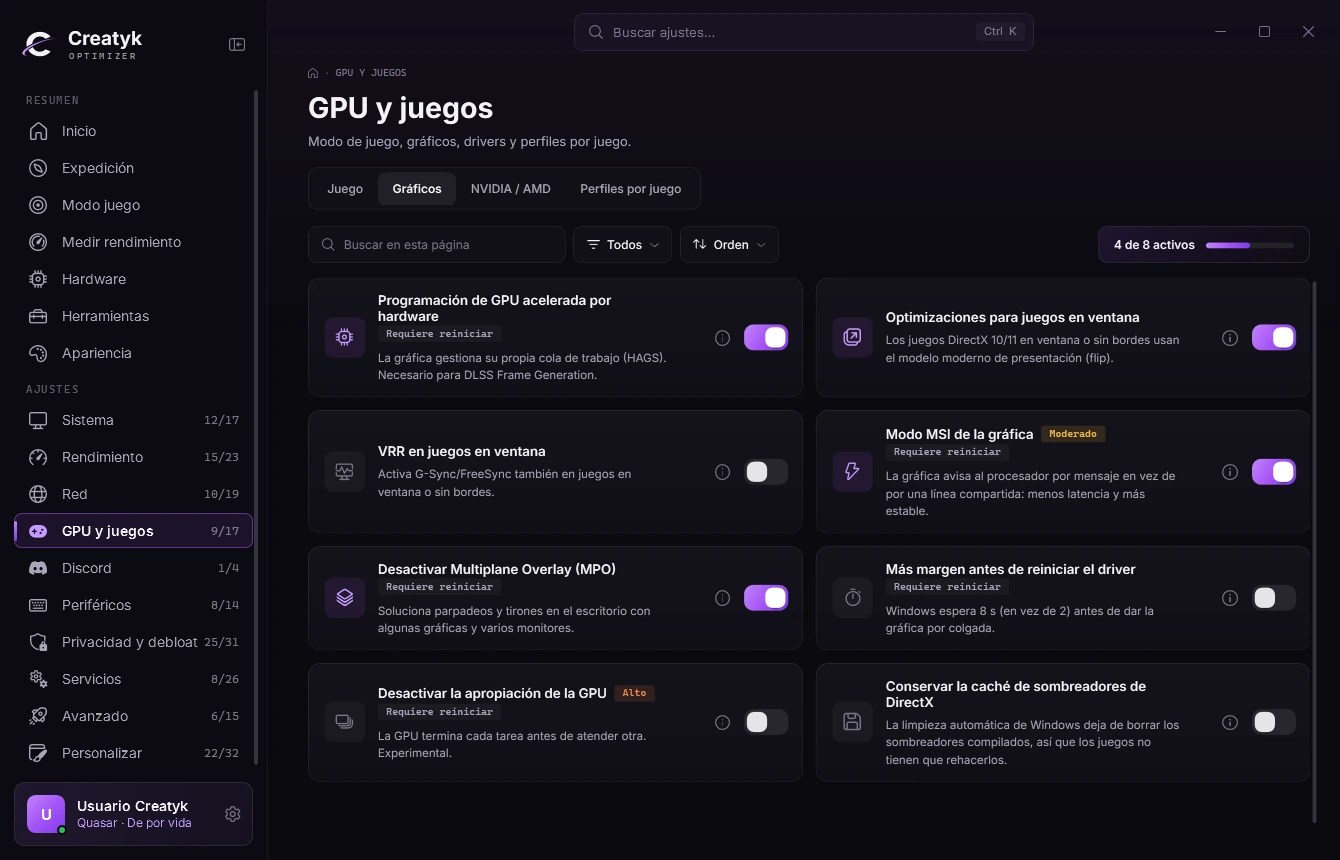
Five screens of the app, as they are. And back whenever you want.
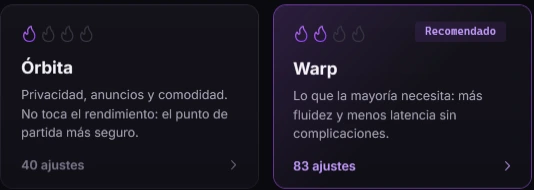
Orbit, Warp, Hyperdrive or Singularity: from the safest to the most extreme. Each level stages a set of tweaks, and nothing is applied until you say so.
Not sure which? The Expedition reads your PC and recommends one. See the Expedition
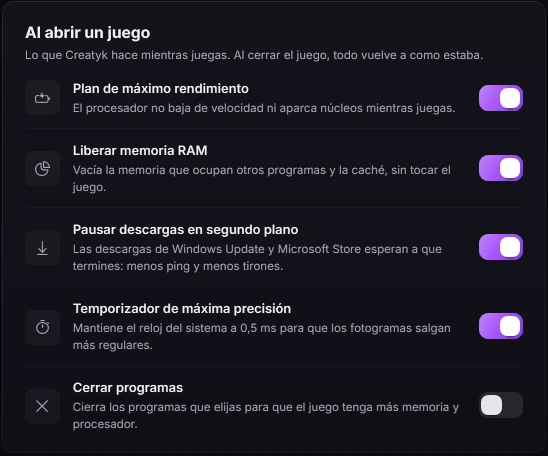
When a game opens, Creatyk puts your PC at full power: maximum performance plan, free RAM, downloads paused and the most precise timer. When it closes, everything goes back as it was.
It detects Steam, Epic, Riot, Battle.net and more.
With Nova and Quasar
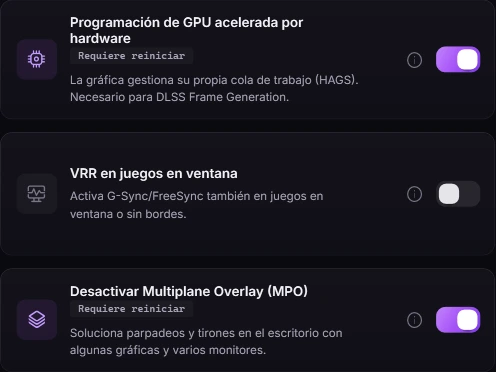
Tweaks for your GPU and profiles per game, Discord without stutters while you play, and a clean NVIDIA driver install with DDU in about 15 minutes.
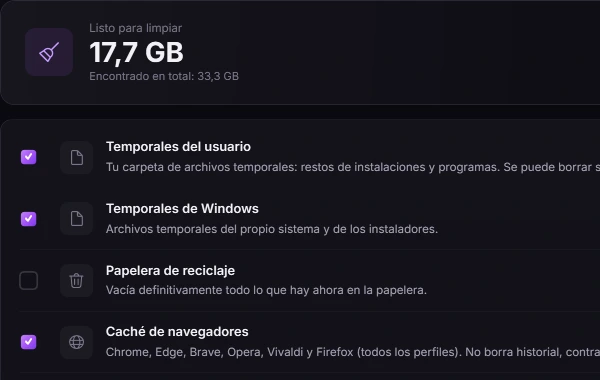
Cleanup of temporary files and caches, 34 programs it installs for you, processes, fans and 11 Windows repairs. All in one place.
A restore point is created before applying, and the History keeps the value each setting had before. Undo them one by one or all at once. Free, always.
History
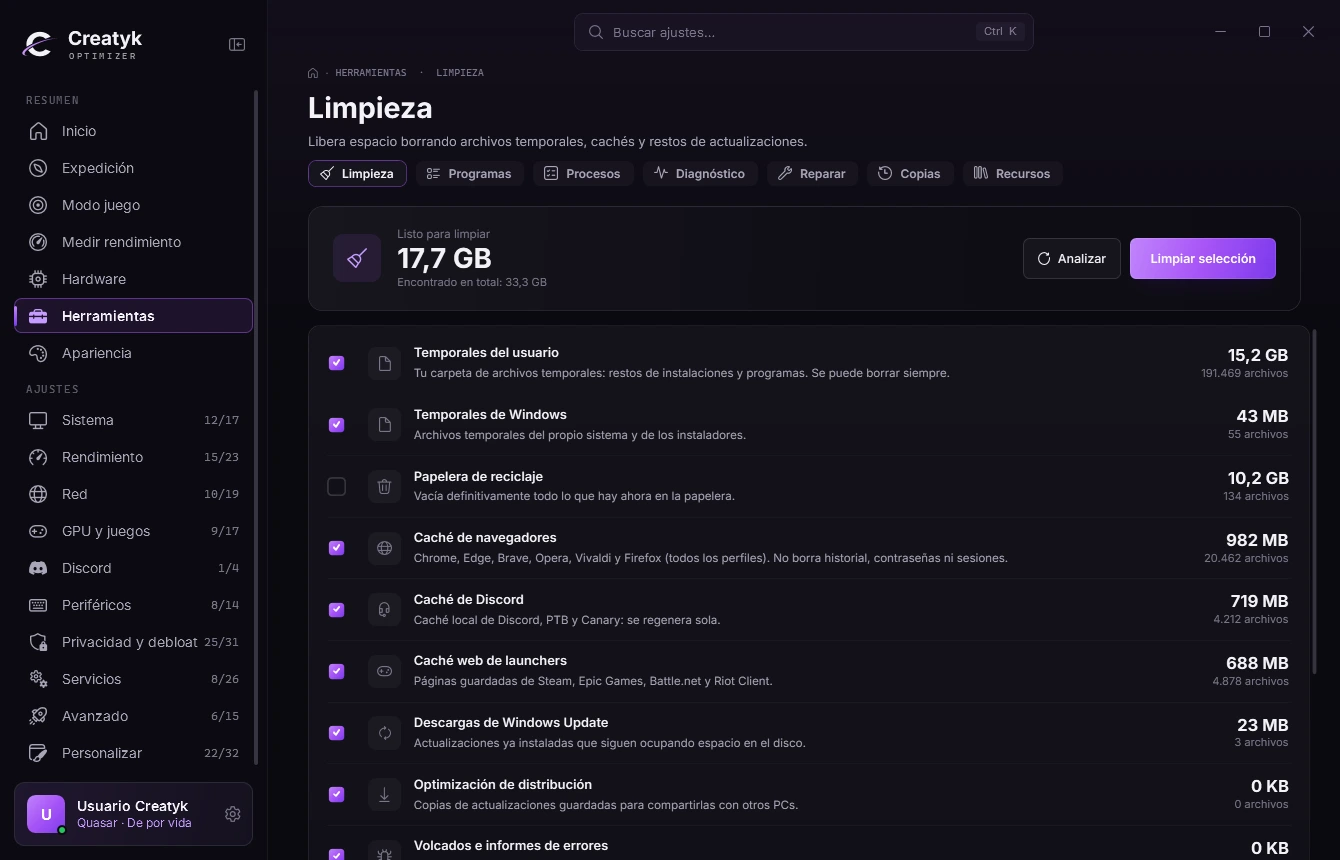
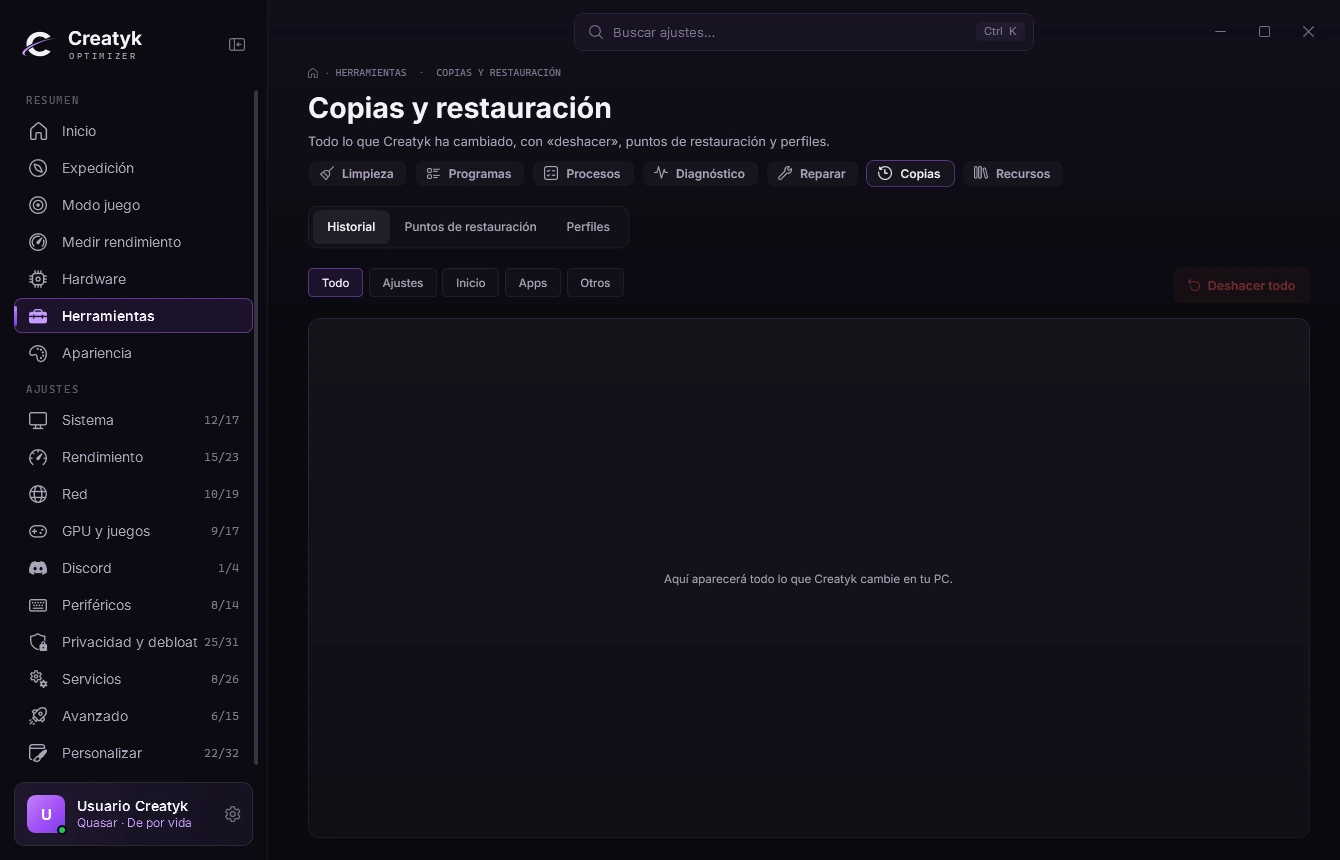
History
Your PC at its best in every match. If something feels off, you undo it in one click.
Three steps, and none of them is forever.
The installer fetches the latest version and installs .NET if it is missing. For 64 bit Windows 10 and 11.
Orbit is free and leaves performance alone. Check the list and press "Apply changes": a restore point is created first.
Open your game as usual. If something feels wrong, undo it from the History, one by one or all at once.
Colors, shape and font that people share from the app. Each preset is reviewed by hand before it is published.
Loading the Community…

Try them in the app: Appearance, Community. Free on every plan.
Another question? Write to us at soporte@creatyk.com.
Yes. Each tweak says what it changes and its risk, and the high risk tweaks or the ones that lower security are never part of a level. Nothing is applied until you press "Apply changes", and by default a restore point is created first.
Always, and for free. The History keeps the previous value of every change: undo them one by one, or all at once with "Undo all". You also have Windows restore points.
Yes. The Expedition detects a laptop, doesn't go past the Warp route and skips what uses more battery or makes it run hotter. Laptop fans can almost never be controlled from Windows: your brand's app is the place for that.
Because Creatyk is new and is not signed with a paid certificate, so Windows does not know it yet. If you see "Windows protected your PC", click "More info" and then "Run anyway". Creatyk does not turn off Defender or SmartScreen, and everything it changes can be undone.
Spark is free: the Orbit level, the gaming check, the tools, Appearance and the Community. Nova adds Warp, Hyperdrive, game mode and real FPS. Quasar adds Singularity, the automatic clean driver install and overclocking. Undo is free on every plan.
No. Spark is free forever: download, install and go. It asks for no card and no key.
Windows 10 or 11, 64 bit, and an internet connection. The installer downloads the latest version and installs .NET if it is missing. The app asks for administrator rights because it changes Windows settings.
Yes. Buy Nova or Quasar, activate the key in the app and what it includes unlocks, with no reinstall. Your plan is tied to your PC.
Spark is free forever. Nova and Quasar, monthly or lifetime.
Free
Forever
To try the app and start feeling the difference.
Download Creatyk free€1.99/month
or €14.99 lifetime
Everything a gamer needs, at a price anyone can afford.
Buy Nova€3.99/month
or €29.99 lifetime
All of Creatyk, plus everything only Quasar has.
Buy QuasarPrices in euros. Your plan is activated with a key and tied to your PC. Compare every plan
Start free with Orbit, the tools and the Community. No card, and everything undoes.
For Windows 10 and 11 (64 bits). Free to start.